Acknowledgment of receipt template
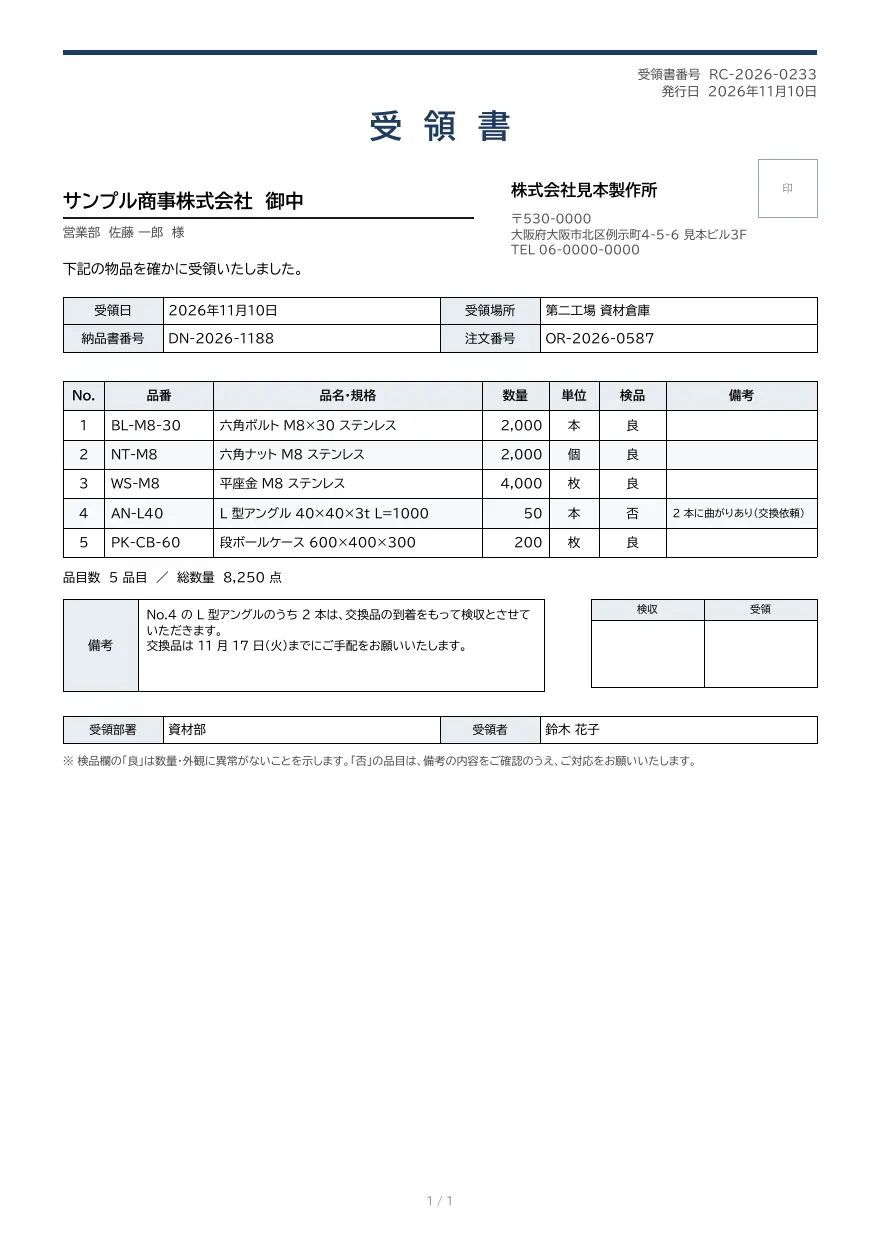
An acknowledgment of receipt issued by the receiving party, with receipt date and location, delivery note and order numbers, items with inspection results, receiver details, and approval stamp boxes.
- Company names, people, addresses and amounts in the sample are fictional.
- The sample layout is in Japanese. You can change any text in the template editor.
Use cases
- Providing suppliers with proof of delivery
- Issuing receipts from warehouse or purchasing inspection systems
- Recording inspection results and reporting defects
Merge fields
The data fields you send to the API. Fields inside an array are shown as array.field.
| Field | Description |
|---|---|
number | Receipt number |
issued_at | Issue date (YYYY-MM-DD) |
supplier.name | Supplier company name |
supplier.person | Supplier contact name |
receiver.name | Receiving company name |
receiver.postal_code | Receiver postal code |
receiver.address | Receiver address |
receiver.tel | Receiver phone number |
received_at | Date received (YYYY-MM-DD) |
place | Place received |
delivery_number | Delivery note number |
order_number | Order number |
items | Items (array) |
items.no | Line number |
items.code | Product code |
items.name | Item name and specification |
items.qty | Quantity |
items.unit | Unit |
items.inspection | Inspection result |
items.remark | Item remark |
item_count | Number of items |
total_qty | Total quantity |
note | Notes |
receiver.department | Receiving department |
receiver.person | Received by |
How to use it
- In the dashboard, choose Create template, select "Start from a template" and pick "Acknowledgment of receipt". The layout and sample data are copied into your project.
- Edit the company name, logo and field positions in the template editor to match your own format.
- Send the template name and data to
POST /v1/rendersto issue a PDF.
With a test API key (sk_test_) you can issue documents from the draft. Publish a version before issuing with a production API key. From an AI assistant, specify the same template in the from of the MCP create_template tool.
Create and issue via the API
Create a template by setting from to the template ID (acknowledgment) in POST /v1/templates, then send the template name and data to POST /v1/renders.
curl https://api.docrelay.jp/v1/templates \
  -H "Authorization: Bearer $DOCRELAY_API_KEY" \
  -H "Content-Type: application/json" \
-d '{ "name": "Acknowledgment of receipt", "from": "acknowledgment" }'curl https://api.docrelay.jp/v1/renders \
-H "Authorization: Bearer $DOCRELAY_API_KEY" \
-H "Content-Type: application/json" \
-d @acknowledgment.json \
-o acknowledgment.pdf{
"template": "Acknowledgment of receipt",
"format": "pdf",
"data": {
"number": "RC-2026-0233",
"issued_at": "2026-11-10",
"supplier": {
"name": "サンプル商事株式会社",
"person": "営業部 佐藤 一郎"
},
"receiver": {
"name": "株式会社見本製作所",
"postal_code": "530-0000",
"address": "大阪府大阪市北区例示町4-5-6 見本ビル3F",
"tel": "06-0000-0000",
"department": "資材部",
"person": "鈴木 花子"
},
"received_at": "2026-11-10",
"place": "第二工場 資材倉庫",
"delivery_number": "DN-2026-1188",
"order_number": "OR-2026-0587",
"items": [
{
"no": 1,
"code": "BL-M8-30",
"name": "六角ボルト M8×30 ステンレス",
"qty": 2000,
"unit": "本",
"inspection": "良",
"remark": ""
}
],
"item_count": 5,
"total_qty": 8250,
"note": "No.4 の L 型アングルのうち 2 本は、交換品の到着をもって検収とさせていただきます。…"
}
}More templates in Purchasing
Purchase order
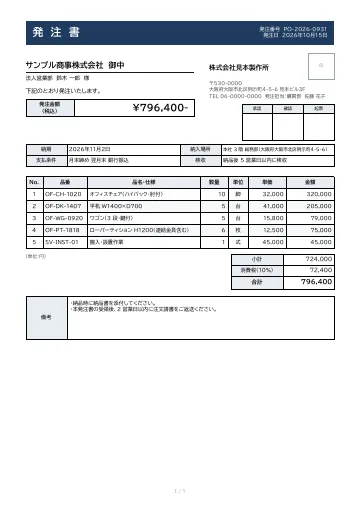
A purchase order with delivery date, delivery location, payment terms and inspection conditions, plus approval stamp boxes.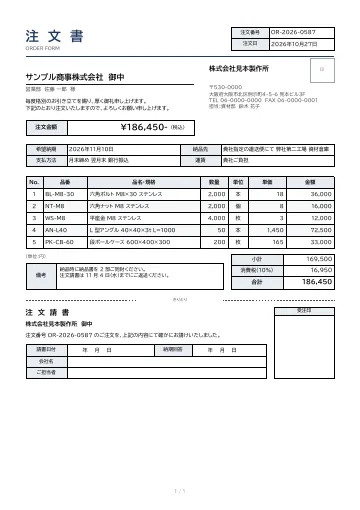
Order form
An order form with requested delivery date, delivery location, payment terms, itemized lines and totals, plus a detachable order acknowledgment for the supplier to return.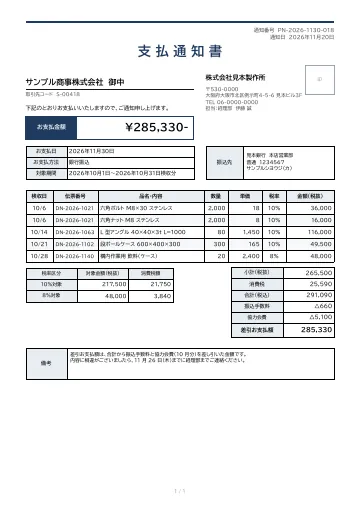
Payment notice
A payment notice sent by the payer to a supplier, with payment date, method and period, accepted line items, totals by tax rate, deductions such as transfer fees, the net payment, and the destination bank account.
Early access is open
We are preparing for launch. Pre-register and we will notify you when the service becomes available.