Income and expenditure report template
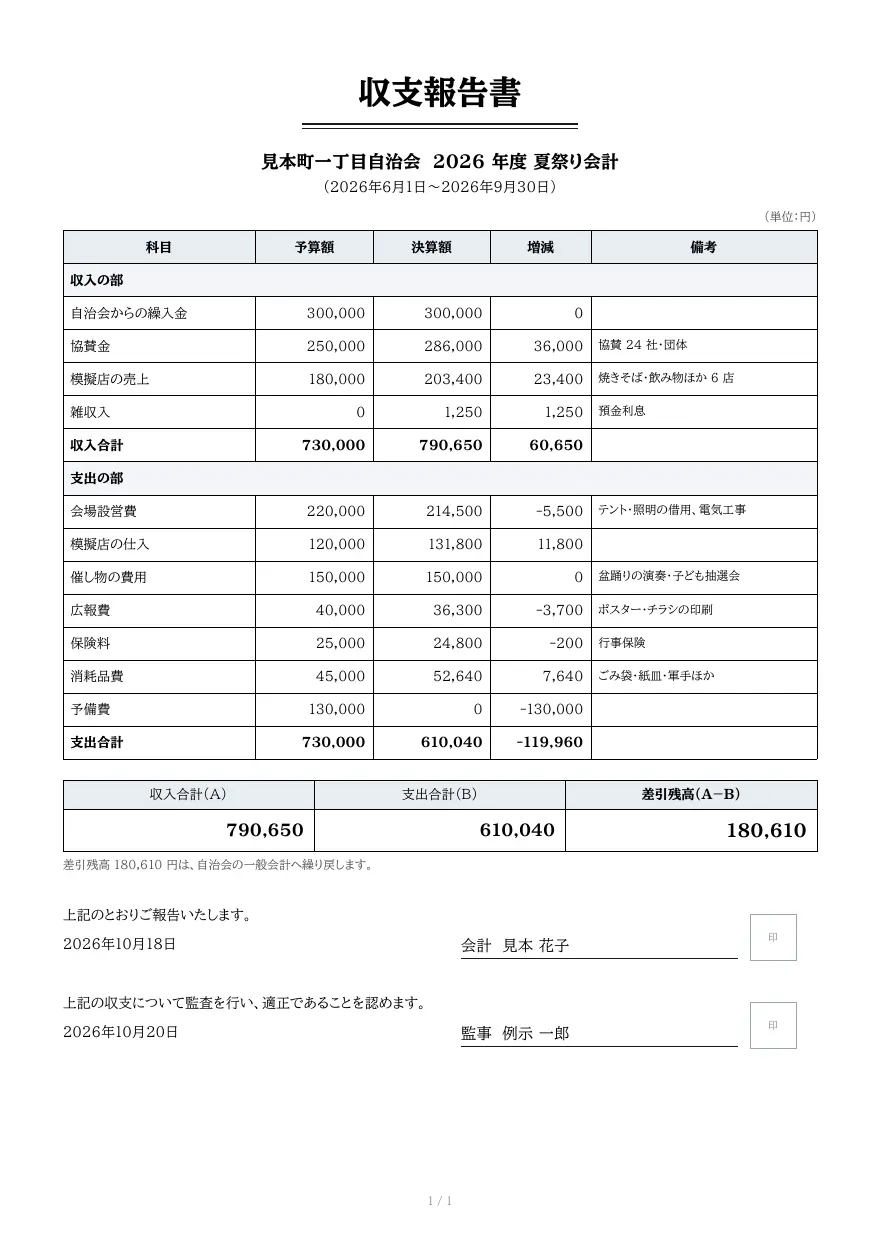
An income and expenditure report listing budget, actual and variance by account under income and expenditure sections, with totals, the closing balance, and signature boxes for the treasurer and auditor.
- Company names, people, addresses and amounts in the sample are fictional.
- The sample layout is in Japanese. You can change any text in the template editor.
Use cases
- Accounts for neighborhood associations and PTAs
- Budget reports for company events and social clubs
- Reports generated from accounting software totals
Merge fields
The data fields you send to the API. Fields inside an array are shown as array.field.
| Field | Description |
|---|---|
organization | Organization or account name |
period.start | Period start (YYYY-MM-DD) |
period.end | Period end (YYYY-MM-DD) |
rows | Account rows (array; _span: true for section headings, _bold: true for subtotals) |
rows.item | Account |
rows.budget | Budget |
rows.actual | Actual |
rows.diff | Variance (actual − budget) |
rows.note | Notes |
income_total | Total income |
expense_total | Total expenditure |
balance | Balance |
balance_note | How the balance is handled |
reported_at | Report date (YYYY-MM-DD) |
treasurer | Treasurer |
audited_at | Audit date (YYYY-MM-DD) |
auditor | Auditor |
How to use it
- In the dashboard, choose Create template, select "Start from a template" and pick "Income and expenditure report". The layout and sample data are copied into your project.
- Edit the company name, logo and field positions in the template editor to match your own format.
- Send the template name and data to
POST /v1/rendersto issue a PDF.
With a test API key (sk_test_) you can issue documents from the draft. Publish a version before issuing with a production API key. From an AI assistant, specify the same template in the from of the MCP create_template tool.
Create and issue via the API
Create a template by setting from to the template ID (income-statement) in POST /v1/templates, then send the template name and data to POST /v1/renders.
curl https://api.docrelay.jp/v1/templates \
  -H "Authorization: Bearer $DOCRELAY_API_KEY" \
  -H "Content-Type: application/json" \
-d '{ "name": "Income and expenditure report", "from": "income-statement" }'curl https://api.docrelay.jp/v1/renders \
-H "Authorization: Bearer $DOCRELAY_API_KEY" \
-H "Content-Type: application/json" \
-d @income-statement.json \
-o income-statement.pdf{
"template": "Income and expenditure report",
"format": "pdf",
"data": {
"organization": "見本町一丁目自治会 2026 年度 夏祭り会計",
"period": {
"start": "2026-06-01",
"end": "2026-09-30"
},
"rows": [
{
"_span": true,
"item": "収入の部"
}
],
"income_total": 790650,
"expense_total": 610040,
"balance": 180610,
"balance_note": "差引残高 180,610 円は、自治会の一般会計へ繰り戻します。",
"reported_at": "2026-10-18",
"treasurer": "見本 花子",
"audited_at": "2026-10-20",
"auditor": "例示 一郎"
}
}More templates in Field operations
Work report
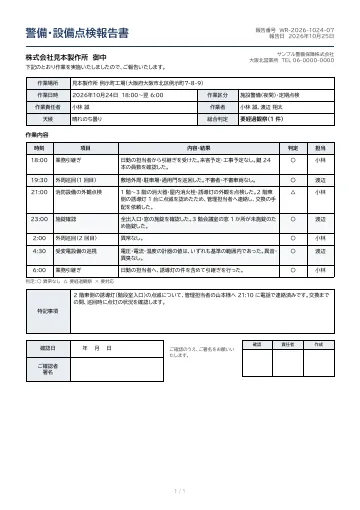
A field report for security patrols, facility inspections and similar work.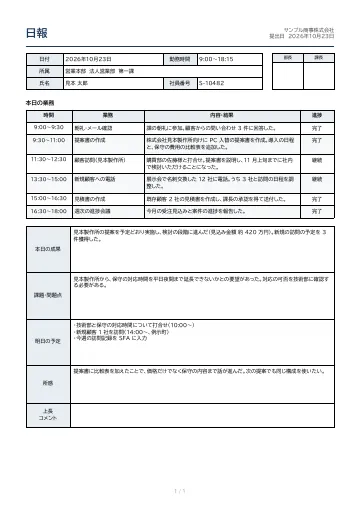
Daily report
A daily work report with date, department, name and working hours, supervisor approval stamps, a time-based task log with wrapped text, and boxes for results, issues, tomorrow’s plan, reflections and supervisor comments.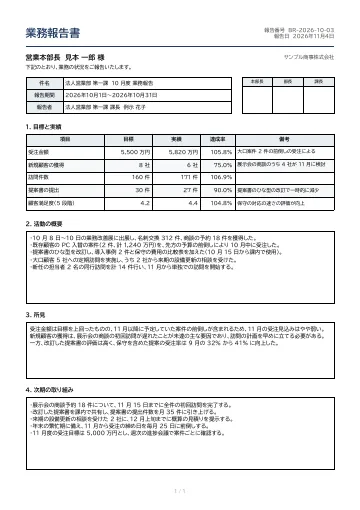
Business report
A periodic (monthly or quarterly) business report with subject, period and reporter fields, approval stamps, a targets-versus-results table with achievement rates, and sections for activities, findings and next actions.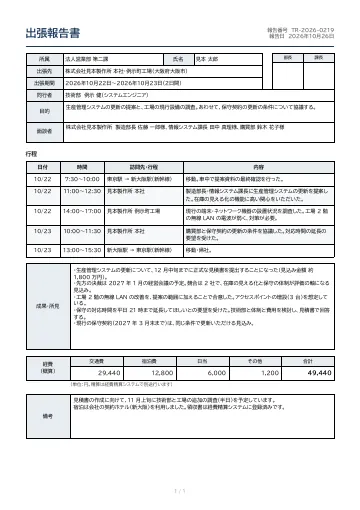
Business trip report
A business trip report with traveler, destination, period, purpose and people met, approval stamps, a day-by-day itinerary table, results and findings, and an estimate of travel, lodging and per-diem expenses.
Early access is open
We are preparing for launch. Pre-register and we will notify you when the service becomes available.