Work report template
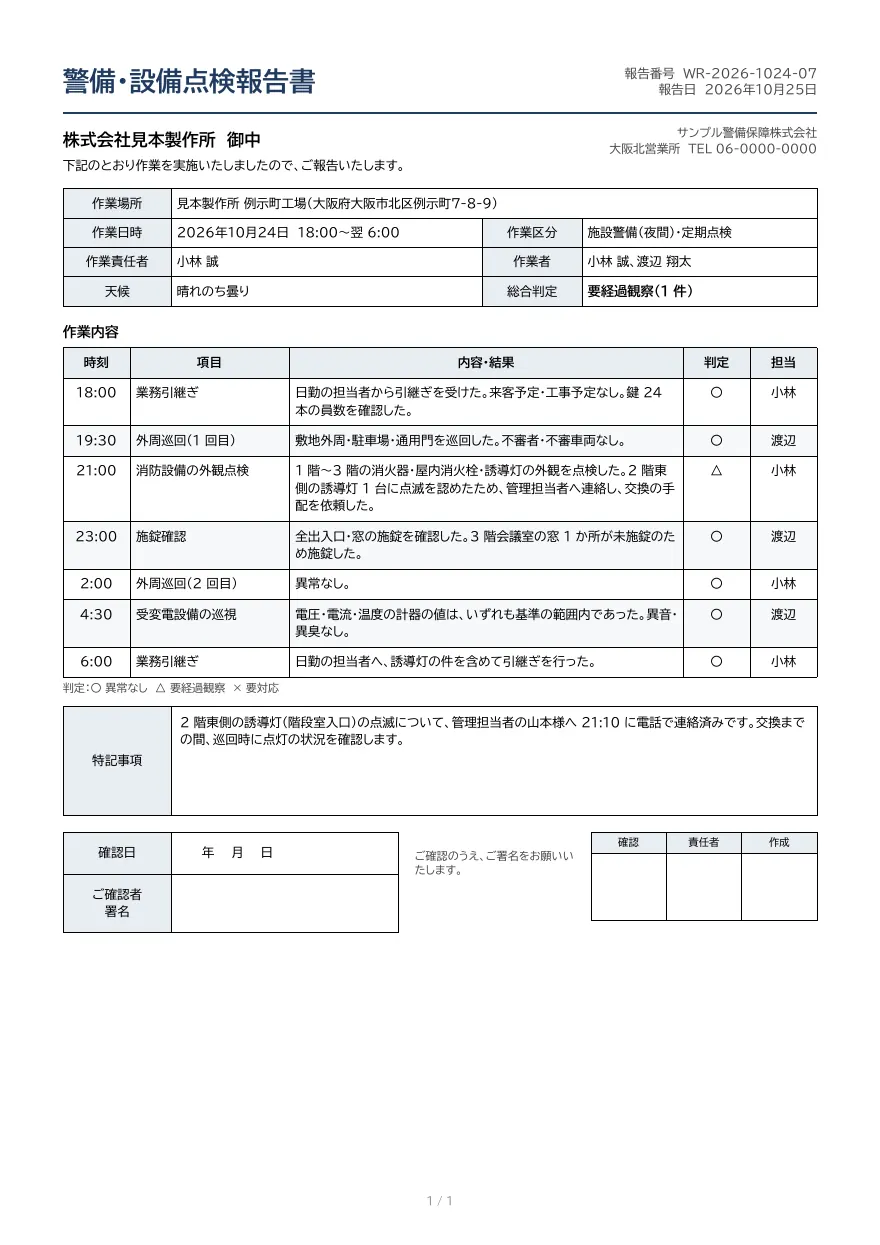
A field report for security patrols, facility inspections and similar work. Includes site, date and staff fields, a time-stamped activity log with wrapped text, remarks, a customer signature box and approval stamps.
- Company names, people, addresses and amounts in the sample are fictional.
- The sample layout is in Japanese. You can change any text in the template editor.
Use cases
- Daily security and patrol reports
- Building and fire equipment inspection reports
- Maintenance and repair completion reports
Merge fields
The data fields you send to the API. Fields inside an array are shown as array.field.
| Field | Description |
|---|---|
report_type | Report type, used in the title |
number | Report number |
reported_at | Report date (YYYY-MM-DD) |
customer.name | Client name |
company.name | Contractor company |
company.office | Branch office |
company.tel | Phone number |
site.name | Site name |
site.address | Site address |
work.date | Work date (YYYY-MM-DD) |
work.start | Start time |
work.end | End time |
work.kind | Work category |
work.leader | Lead |
work.staff | Staff |
work.weather | Weather |
work.result | Overall result |
logs | Activity log (array) |
logs.time | Time |
logs.item | Item |
logs.detail | Details and result |
logs.status | Status (〇, △, ×) |
logs.by | Staff in charge |
remarks | Remarks |
How to use it
- In the dashboard, choose Create template, select "Start from a template" and pick "Work report". The layout and sample data are copied into your project.
- Edit the company name, logo and field positions in the template editor to match your own format.
- Send the template name and data to
POST /v1/rendersto issue a PDF.
With a test API key (sk_test_) you can issue documents from the draft. Publish a version before issuing with a production API key. From an AI assistant, specify the same template in the from of the MCP create_template tool.
Create and issue via the API
Create a template by setting from to the template ID (work-report) in POST /v1/templates, then send the template name and data to POST /v1/renders.
curl https://api.docrelay.jp/v1/templates \
  -H "Authorization: Bearer $DOCRELAY_API_KEY" \
  -H "Content-Type: application/json" \
-d '{ "name": "Work report", "from": "work-report" }'curl https://api.docrelay.jp/v1/renders \
-H "Authorization: Bearer $DOCRELAY_API_KEY" \
-H "Content-Type: application/json" \
-d @work-report.json \
-o work-report.pdf{
"template": "Work report",
"format": "pdf",
"data": {
"report_type": "警備・設備点検",
"number": "WR-2026-1024-07",
"reported_at": "2026-10-25",
"customer": {
"name": "株式会社見本製作所"
},
"company": {
"name": "サンプル警備保障株式会社",
"office": "大阪北営業所",
"tel": "06-0000-0000"
},
"site": {
"name": "見本製作所 例示町工場",
"address": "大阪府大阪市北区例示町7-8-9"
},
"work": {
"date": "2026-10-24",
"start": "18:00",
"end": "翌 6:00",
"kind": "施設警備(夜間)・定期点検",
"leader": "小林 誠",
"staff": "小林 誠、渡辺 翔太",
"weather": "晴れのち曇り",
"result": "要経過観察(1 件)"
},
"logs": [
{
"time": "18:00",
"item": "業務引継ぎ",
"detail": "日勤の担当者から引継ぎを受けた。来客予定・工事予定なし。鍵 24 本の員数を確認した。",
"status": "〇",
"by": "小林"
}
],
"remarks": "2 階東側の誘導灯(階段室入口)の点滅について、管理担当者の山本様へ 21:10 に電話で連絡済みです。交換までの間、巡…"
}
}More templates in Field operations
Daily report
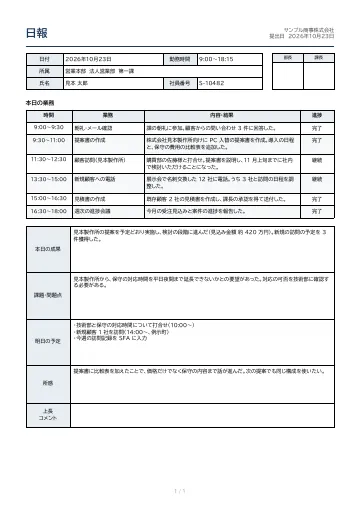
A daily work report with date, department, name and working hours, supervisor approval stamps, a time-based task log with wrapped text, and boxes for results, issues, tomorrow’s plan, reflections and supervisor comments.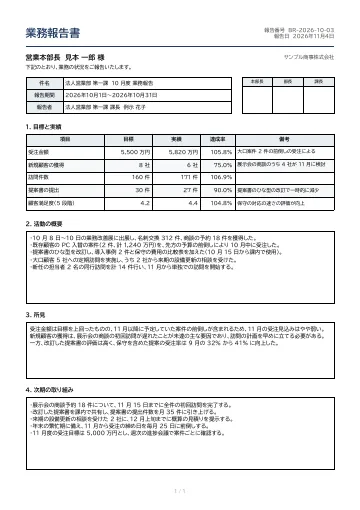
Business report
A periodic (monthly or quarterly) business report with subject, period and reporter fields, approval stamps, a targets-versus-results table with achievement rates, and sections for activities, findings and next actions.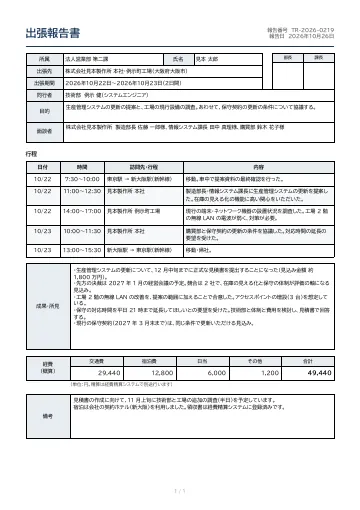
Business trip report
A business trip report with traveler, destination, period, purpose and people met, approval stamps, a day-by-day itinerary table, results and findings, and an estimate of travel, lodging and per-diem expenses.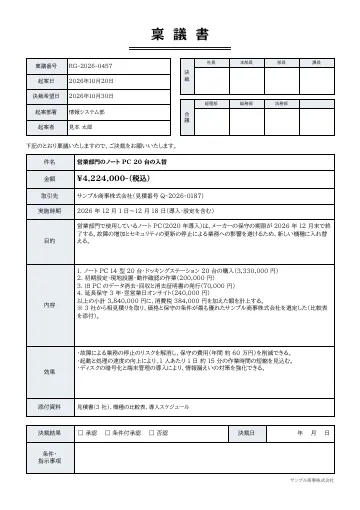
Approval request (ringi)
A Japanese-style approval request (ringi) with request number, date and drafter, a row of approval stamp boxes from president to section manager, a consultation row, and fields for subject, amount, vendor, purpose, details and expected effect, plus a box for the decision.
Early access is open
We are preparing for launch. Pre-register and we will notify you when the service becomes available.