Consent form template
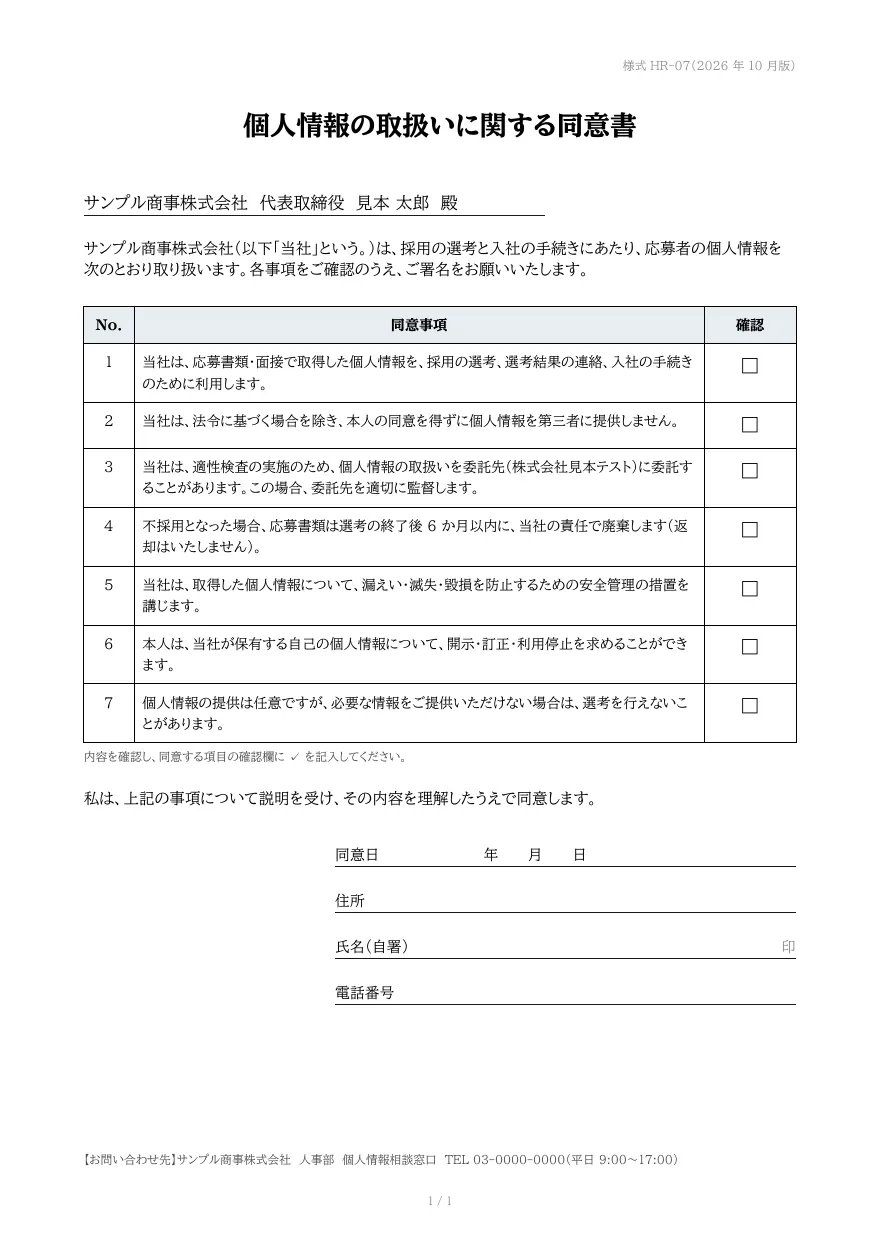
A consent form with addressee and introduction, a numbered list of consent items with check boxes, and a signature section for date, address, handwritten name and phone number. Items are passed as an array and continue onto the next page when needed.
- Company names, people, addresses and amounts in the sample are fictional.
- Clauses and fields are general examples. Review the content against applicable laws and your own terms.
- The sample layout is in Japanese. You can change any text in the template editor.
Use cases
- Consent to the handling of personal information
- Consent to photography and publication
- Acknowledgement of service terms and precautions
Merge fields
The data fields you send to the API. Fields inside an array are shown as array.field.
| Field | Description |
|---|---|
document_number | Document number |
title | Form title |
to | Addressee |
lead | Introduction |
items | Consent items (array) |
items.no | Number |
items.text | Consent item |
contact | Contact information |
How to use it
- In the dashboard, choose Create template, select "Start from a template" and pick "Consent form". The layout and sample data are copied into your project.
- Edit the company name, logo and field positions in the template editor to match your own format.
- Send the template name and data to
POST /v1/rendersto issue a PDF.
With a test API key (sk_test_) you can issue documents from the draft. Publish a version before issuing with a production API key. From an AI assistant, specify the same template in the from of the MCP create_template tool.
Create and issue via the API
Create a template by setting from to the template ID (consent) in POST /v1/templates, then send the template name and data to POST /v1/renders.
curl https://api.docrelay.jp/v1/templates \
  -H "Authorization: Bearer $DOCRELAY_API_KEY" \
  -H "Content-Type: application/json" \
-d '{ "name": "Consent form", "from": "consent" }'curl https://api.docrelay.jp/v1/renders \
-H "Authorization: Bearer $DOCRELAY_API_KEY" \
-H "Content-Type: application/json" \
-d @consent.json \
-o consent.pdf{
"template": "Consent form",
"format": "pdf",
"data": {
"document_number": "様式 HR-07(2026 年 10 月版)",
"title": "個人情報の取扱いに関する同意書",
"to": "サンプル商事株式会社 代表取締役 見本 太郎 殿",
"lead": "サンプル商事株式会社(以下「当社」という。)は、採用の選考と入社の手続きにあたり、応募者の個人情報を次のとおり取り扱いま…",
"items": [
{
"no": 1,
"text": "当社は、応募書類・面接で取得した個人情報を、採用の選考、選考結果の連絡、入社の手続きのために利用します。"
}
],
"contact": "サンプル商事株式会社 人事部 個人情報相談窓口 TEL 03-0000-0000(平日 9:00〜17:00)"
}
}More templates in Policies & legal
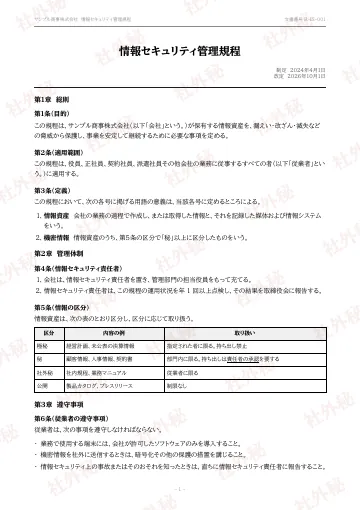
Company policy
A company policy document whose chapters, articles, tables and lists flow in from Markdown across pages, with a running header, page numbers and a "confidential" watermark on every page.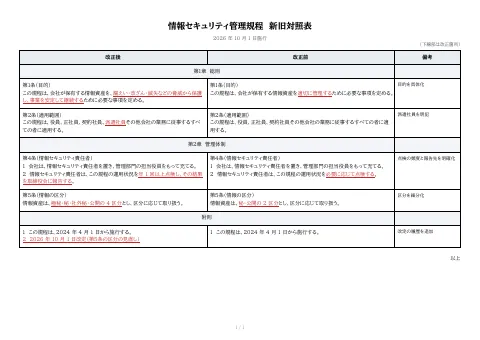
Revision comparison table
An A4 landscape comparison table showing amended text, current text and notes side by side.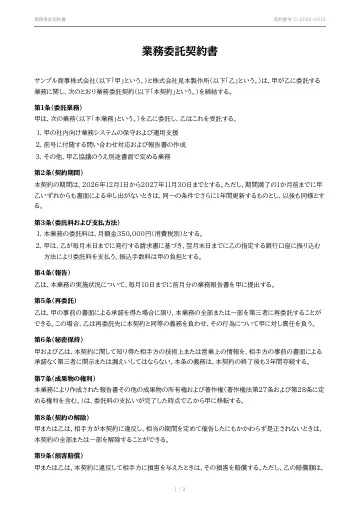
Service agreement
A service (outsourcing) agreement whose preamble and clauses flow in from Markdown across pages, ending with the execution date and name-and-seal boxes for both parties.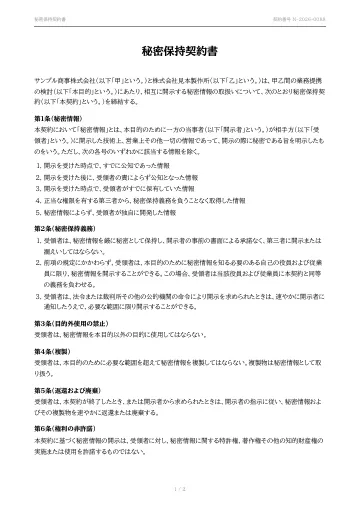
Non-disclosure agreement
A mutual non-disclosure agreement (NDA) with definition, confidentiality, purpose limitation, return and term clauses flowing in from Markdown, ending with the execution date and name-and-seal boxes.
Early access is open
We are preparing for launch. Pre-register and we will notify you when the service becomes available.