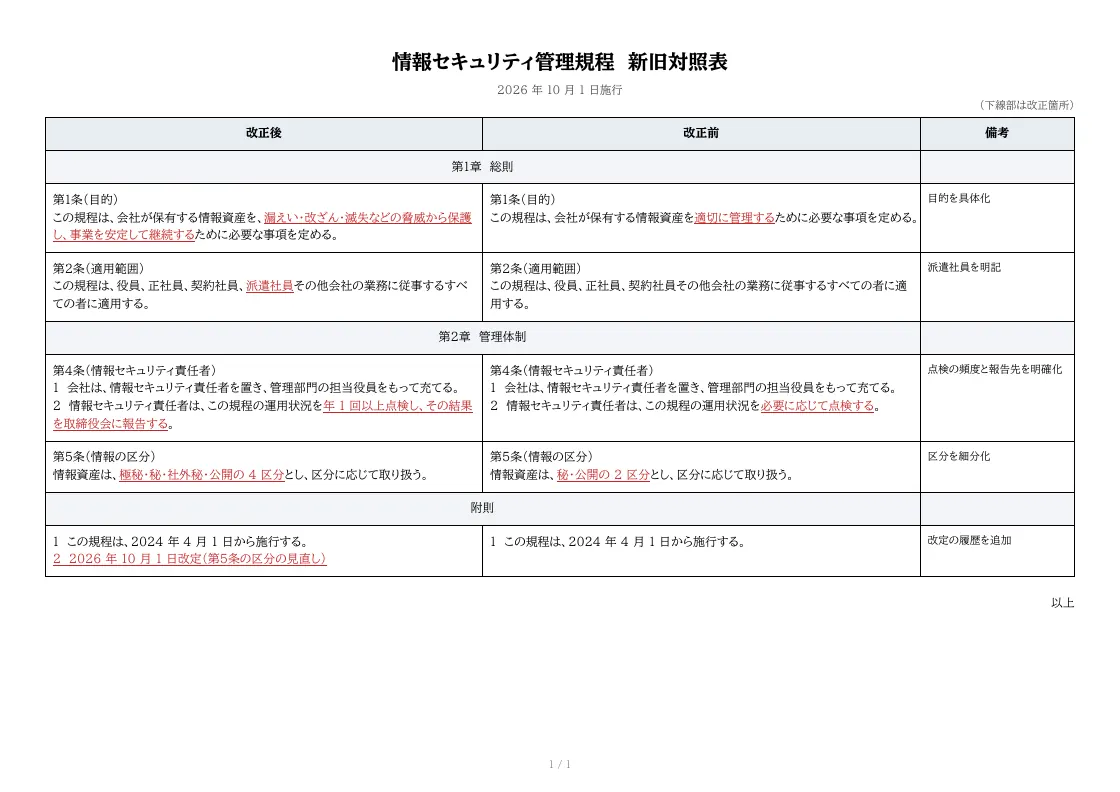
Revision comparison table template
An A4 landscape comparison table showing amended text, current text and notes side by side. Changes are underlined in red, chapter rows span the two text columns, and long articles wrap across pages.
- Company names, people, addresses and amounts in the sample are fictional.
- The sample layout is in Japanese. You can change any text in the template editor.
Use cases
- Explaining revisions to company rules
- Presenting changes to contracts or terms of service
- Materials for board or labor-management meetings
Merge fields
The data fields you send to the API. Fields inside an array are shown as array.field.
| Field | Description |
|---|---|
title | Document title |
revision | Revision note (effective date, etc.) |
rows | Rows (array; use _span: 2 for chapter rows) |
rows.new | Amended text (plain) |
rows.new_s | Amended text as segments (underline and color for changes) |
rows.old | Current text (plain) |
rows.old_s | Current text as segments |
rows.note | Notes |
How to use it
- In the dashboard, choose Create template, select "Start from a template" and pick "Revision comparison table". The layout and sample data are copied into your project.
- Edit the company name, logo and field positions in the template editor to match your own format.
- Send the template name and data to
POST /v1/rendersto issue a PDF.
With a test API key (sk_test_) you can issue documents from the draft. Publish a version before issuing with a production API key. From an AI assistant, specify the same template in the from of the MCP create_template tool.
Create and issue via the API
Create a template by setting from to the template ID (comparison) in POST /v1/templates, then send the template name and data to POST /v1/renders.
curl https://api.docrelay.jp/v1/templates \
  -H "Authorization: Bearer $DOCRELAY_API_KEY" \
  -H "Content-Type: application/json" \
-d '{ "name": "Revision comparison table", "from": "comparison" }'curl https://api.docrelay.jp/v1/renders \
-H "Authorization: Bearer $DOCRELAY_API_KEY" \
-H "Content-Type: application/json" \
-d @comparison.json \
-o comparison.pdf{
"template": "Revision comparison table",
"format": "pdf",
"data": {
"title": "情報セキュリティ管理規程",
"revision": "2026 年 10 月 1 日施行",
"rows": [
{
"_span": 2,
"_align": "center",
"_bold": false,
"new": "第1章 総則",
"note": ""
}
]
}
}More templates in Policies & legal
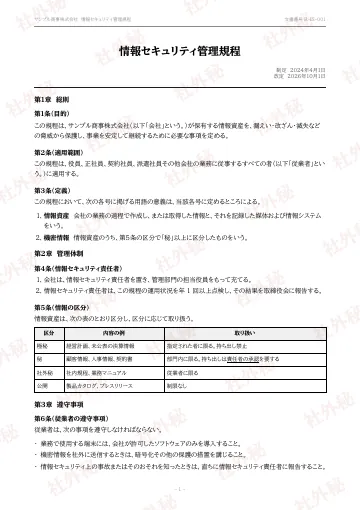
Company policy
A company policy document whose chapters, articles, tables and lists flow in from Markdown across pages, with a running header, page numbers and a "confidential" watermark on every page.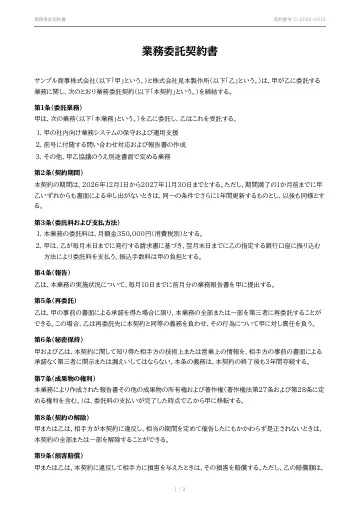
Service agreement
A service (outsourcing) agreement whose preamble and clauses flow in from Markdown across pages, ending with the execution date and name-and-seal boxes for both parties.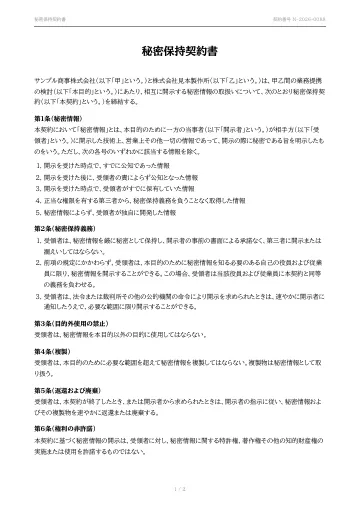
Non-disclosure agreement
A mutual non-disclosure agreement (NDA) with definition, confidentiality, purpose limitation, return and term clauses flowing in from Markdown, ending with the execution date and name-and-seal boxes.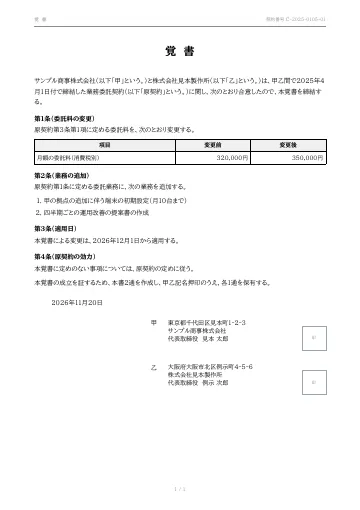
Memorandum of understanding
A memorandum recording amendments or additions to an existing contract.
Early access is open
We are preparing for launch. Pre-register and we will notify you when the service becomes available.